

Supported providers
New providers are added often, so Providers → Usage-based in the dashboard always shows the current list.
Gemini Free
Gemini Free is a managed tile. The gateway provisions the credential automatically, so there’s no key to fetch from Google first: add the tile and you have a free model to route to. It behaves like any other provider once connected.BytePlus, NousResearch, Command Code, ClinePass, Kiro, GitHub Copilot, Ollama
Cloud, and OpenCode Go connect through a plan rather than an API key, so they
have no API Keys tab. See
Subscription-based providers.
Add a provider
1
Open the Usage-based page
In the dashboard sidebar, open Providers → Usage-based. Under
Supported usage-based providers you get a card per provider.
2
Click Connect on the provider
Connect opens a panel where you paste your API key.
3
Paste the key and save
The gateway validates the key by fetching the provider’s model list. That list
is what routing sees until you refresh it. If the key is rejected,
double-check the prefix below.
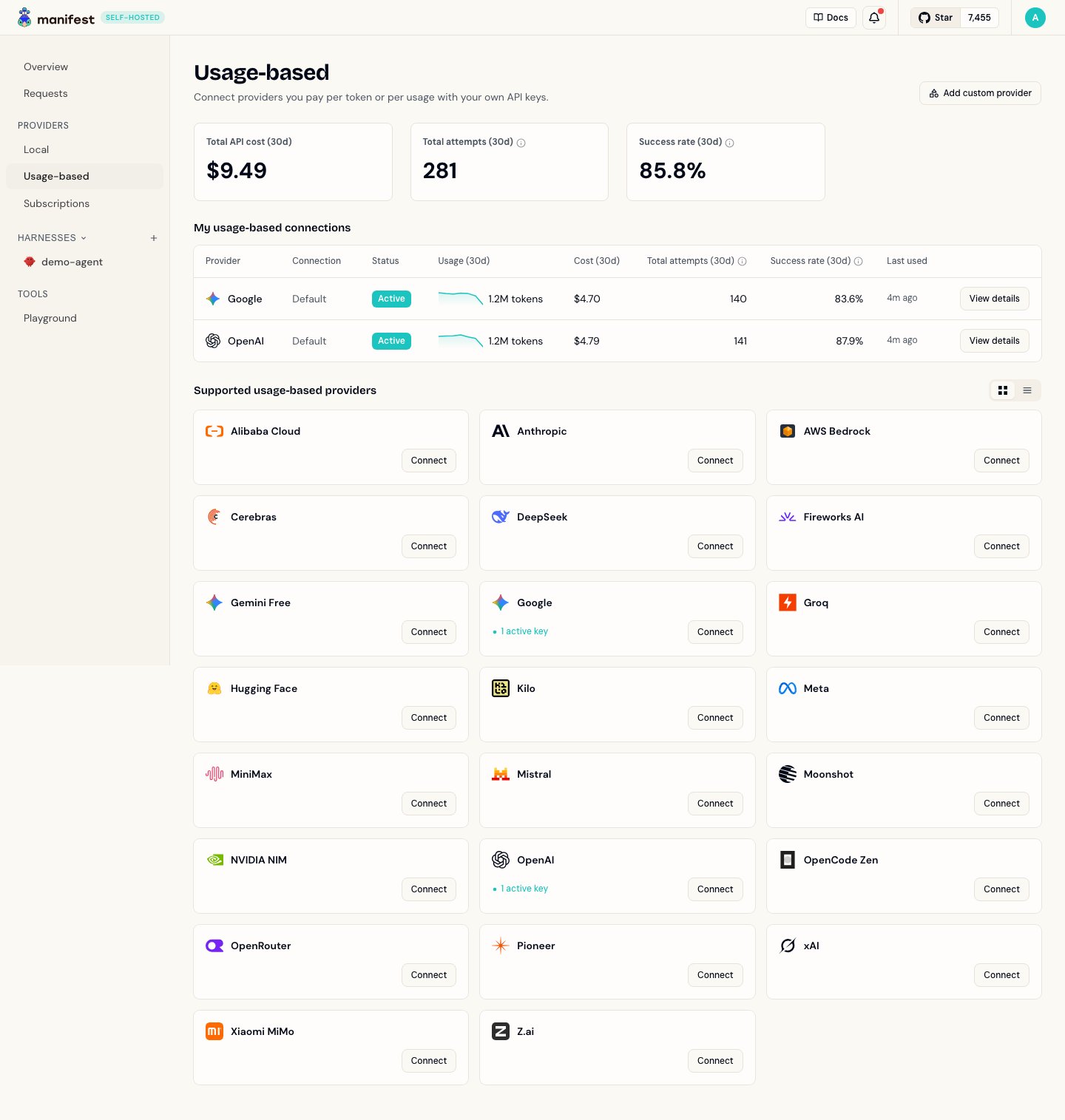
The Usage-based page: one card per provider, each with a Connect button.
Refreshing the model list
A connection keeps the model list it discovered when you saved it. Nothing re-checks it on a schedule. When a provider adds, renames, or drops a model, click Refresh models: on your harness’s Routing page, or on the connection itself under Providers. The refresh replaces the list, it does not merge it. A tier or a fallback pinned to a model id that no longer exists stops matching, so pin it to one of the new ids.Key prefixes
Each provider issues keys with a recognizable prefix. Useful for catching paste mistakes:
Providers not listed here (Cerebras, NVIDIA NIM, AWS Bedrock, Kilo, OpenCode Zen) issue keys with no fixed prefix.