Announcing modelparams.dev, the open-source model parameter database
 Bruno Perez
3 min read
Bruno Perez
3 min read
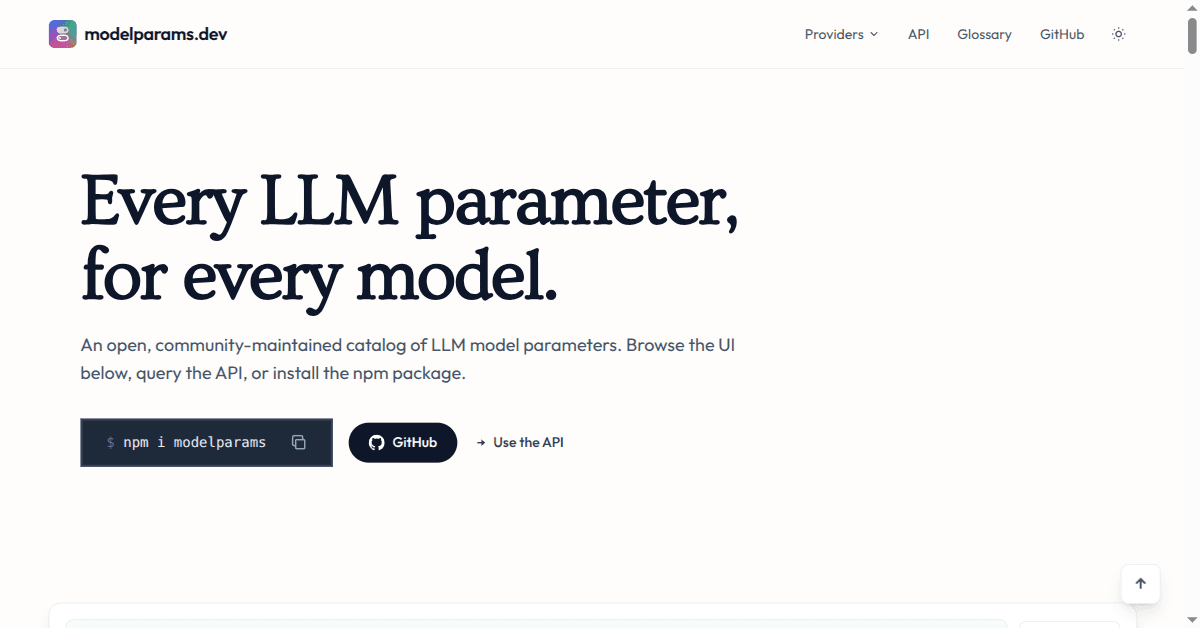
Can’t remember how to enable thinking mode in DeepSeek? Not sure whether Gemini calls it max_tokens or maxOutputTokens? We’ve got your back. modelparams is a list of all the parameters available for popular AI models. It helps builders prevent mistakes in model parameter names and formats.
The platform gives you three ways to access the data:
- Visually through the UI
- Dynamically through the API
- Programmatically by adding a TypeScript type library.
Should I use the UI, API or library?
Want to quickly check that you’re using the right parameters? Head to modelparams.dev and double-check the list of params for your model.
Looking for an always up-to-date AI model parameter list to display in your own app or tool? Fetch it directly from our API. This is exactly what we use at Manifest, so our users can tweak every available parameter when they configure their AI models.
If you build in TypeScript with different models and you want to make sure you never ship an impossible configuration, use our type library.
Using the modelparams API to get model parameters
Every endpoint is CORS-enabled static JSON, served from the edge under /api/v1/ and validated against a published JSON Schema. IDs follow provider/model, with a -subscription suffix for subscription contracts.
The full catalog: /api/v1/models.json
Returns every model and its parameters in a single file.
curl https://modelparams.dev/api/v1/models.json
A single model: /api/v1/models/{provider}/{model}.json
Returns the parameters of one specific model.
curl https://modelparams.dev/api/v1/models/anthropic/claude-opus-4-7.json
Using the type library to ensure type safety in your AI app
Parameter names and formats drift from one provider and model version to the next. The modelparams package encodes those differences as TypeScript types: ParamsOf<Id> resolves to the exact set of parameters a model accepts, so passing one it doesn’t won’t compile. You catch impossible configurations in your editor and CI instead of at runtime.
npm install modelparams
import type { ParamsOf } from "modelparams";
import OpenAI from "openai";

const params: ParamsOf<"openai/gpt-4.1"> = {
  max_tokens: 1024,
  temperature: 0.7,
  // top_k: 40, // won't compile: gpt-4.1 has no top_k
};

await new OpenAI().chat.completions.create({
  model: "gpt-4.1",
  messages,
  ...params,
});
Help modelparams.dev grow: contribute and star us on GitHub
modelparams is a community project that is — and always will be — free and open source. We welcome external contributions and do our best to merge them quickly.
If you want to support the project, share it with anyone who might find it useful and give us a star on GitHub — we appreciate it! And if you want to get the most out of your AI subscriptions or connect your harness to any AI provider, take a look at Manifest.